Free · No account · No watermark
Animated gradient backgrounds, made in the browser.
Design an animated WebGL gradient, export it as an image or video, or embed it on any website with one line of code.
Start from a preset
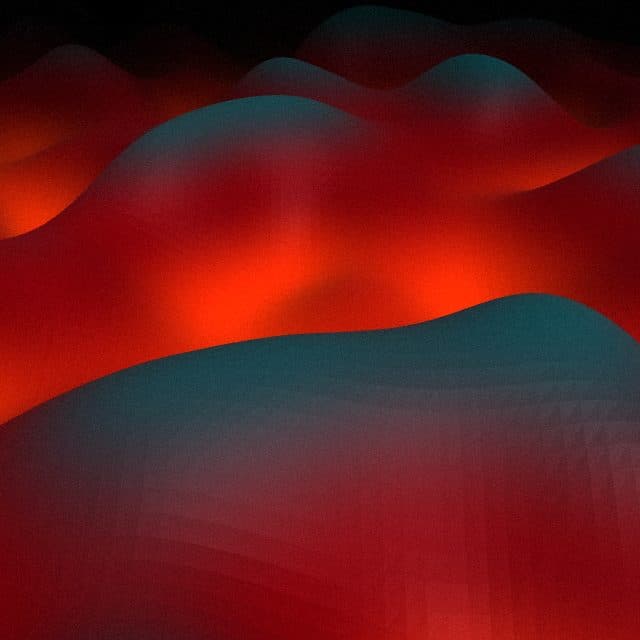
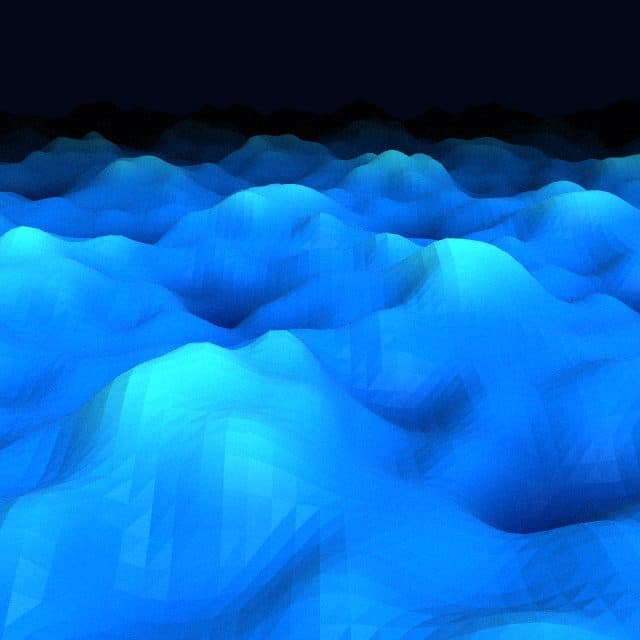
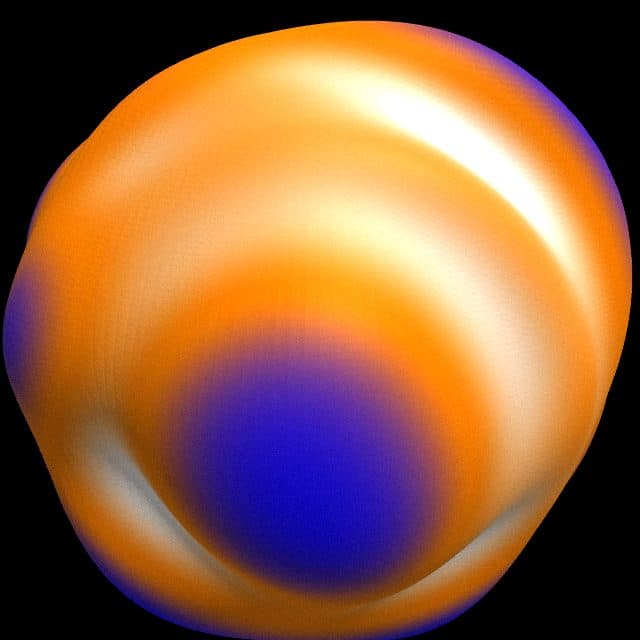
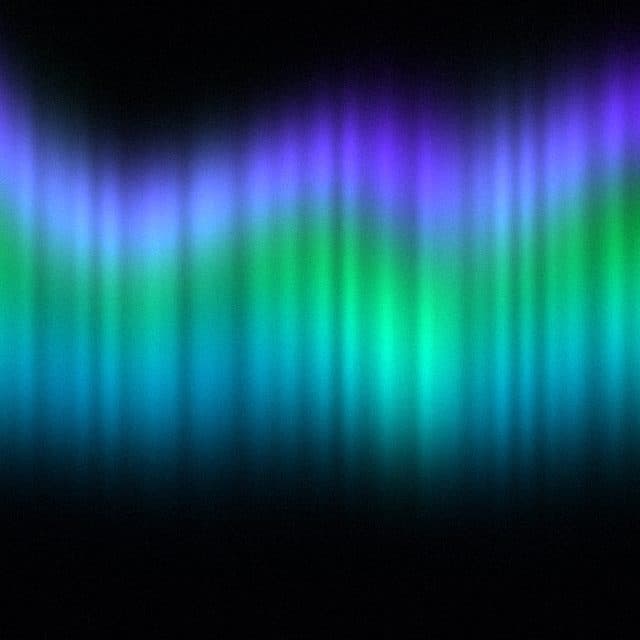
Seven looks to begin with. Each one opens in the editor.

How it works
- 01
Design
Pick a shader family, set your colors, tune motion, grain and light. Every change is saved in the URL.
- 02
Export
Download a PNG up to 4K, an MP4 or WebM video, or an animated GIF. Rendering happens in your browser.
- 03
Embed
Add one script tag and one attribute to any website. Or send the docs link to your coding agent.
Everything you need, nothing to install
Five shader families
Gradient (plane, sphere, water), mesh, aurora, liquid and blobs. Each has its own controls, not just colors.
Export anything
PNG up to 3840 × 2160, MP4 and WebM video, animated GIF. Nothing is uploaded.
One-line embed
A 9 KB script with no dependencies. Pauses off screen and respects reduced motion.
Describe it
Type a mood like “calm ocean at dusk” and get a full preset back. Tweak from there.
Share and remix
Publish to the gallery, collect likes, open anyone's gradient in the editor.
Free for commercial use
No account, no watermark, no attribution required. Use it on client work.
Embed it on any website
One script tag and one attribute. Works with plain HTML, Next.js, React, Vue, Svelte, Astro, WordPress and Webflow. The docs are written so your AI coding agent can set it up for you.
Read the docs<section data-shaderz="s=aurora&c1=22c55e"> <h1>Your headline</h1> </section> <script src="https://www.shaderz.fun/shaderz.js" defer></script>
Made for
Landing page heroes
A moving background behind your headline that loads fast and stays readable.
Social and video
Export a loop for Reels, TikTok, YouTube intros or a product launch post.
Wallpapers
4K stills for desktop and phone wallpapers, in portrait or landscape.
Slides and keynotes
Drop a still or a video background into Keynote, Google Slides or Figma.
Frequently asked questions
Is Shaderz free?
Yes. The editor, all exports and the embed script are free. There is no account, no watermark and no paid plan.
Can I use the backgrounds in commercial projects?
Yes. You can use exported images, videos and the embed script on personal, client and commercial projects. Attribution is not required.
How do I add an animated gradient to my website?
Load the Shaderz script once, then add a data-shaderz attribute with your config on the section you want animated. The docs have copy-paste recipes for HTML, Next.js, React, Vue, Svelte, Astro, WordPress and Webflow.
Can an AI coding agent set it up for me?
Yes. The docs are written for coding agents such as Claude Code, Cursor or Copilot. Share the docs link and your config, and the agent can add the background without installing anything.
Will it slow down my site?
The script is about 9 KB compressed with no dependencies. It renders on the GPU, pauses when the background is off screen or the tab is hidden, and shows a still frame to visitors who prefer reduced motion.
Which export formats are supported?
PNG up to 3840 × 2160, MP4 and WebM video at 24, 30 or 60 fps, and animated GIF. You can also copy an iframe, a React snippet or a static CSS fallback.
Make your first background
It takes about a minute. No sign up.